

Every Sensor Alert, Answered With Action
When a Checkit sensor detects a problem, Event-Driven Actions send the alert straight to the team on site with a guided checklist to resolve it, and record every step they take.
Book a DemoAutomated Monitoring Usually Stops at the Alert
Sensors watch fridges, freezers, and cold rooms around the clock. But when one raises an alert, the hard part starts. Someone has to see it, often on a screen far from the problem. Someone has to get the message to the team on site. And that team has to know what to do.
Meanwhile, temperature-critical stock is at growing risk. And once the problem is fixed, the response still has to be written up for compliance, a step busy teams often skip.
You got an alert. But what did you do about it, and can you prove it?
Sensor Alerts, Handled Through Workflows
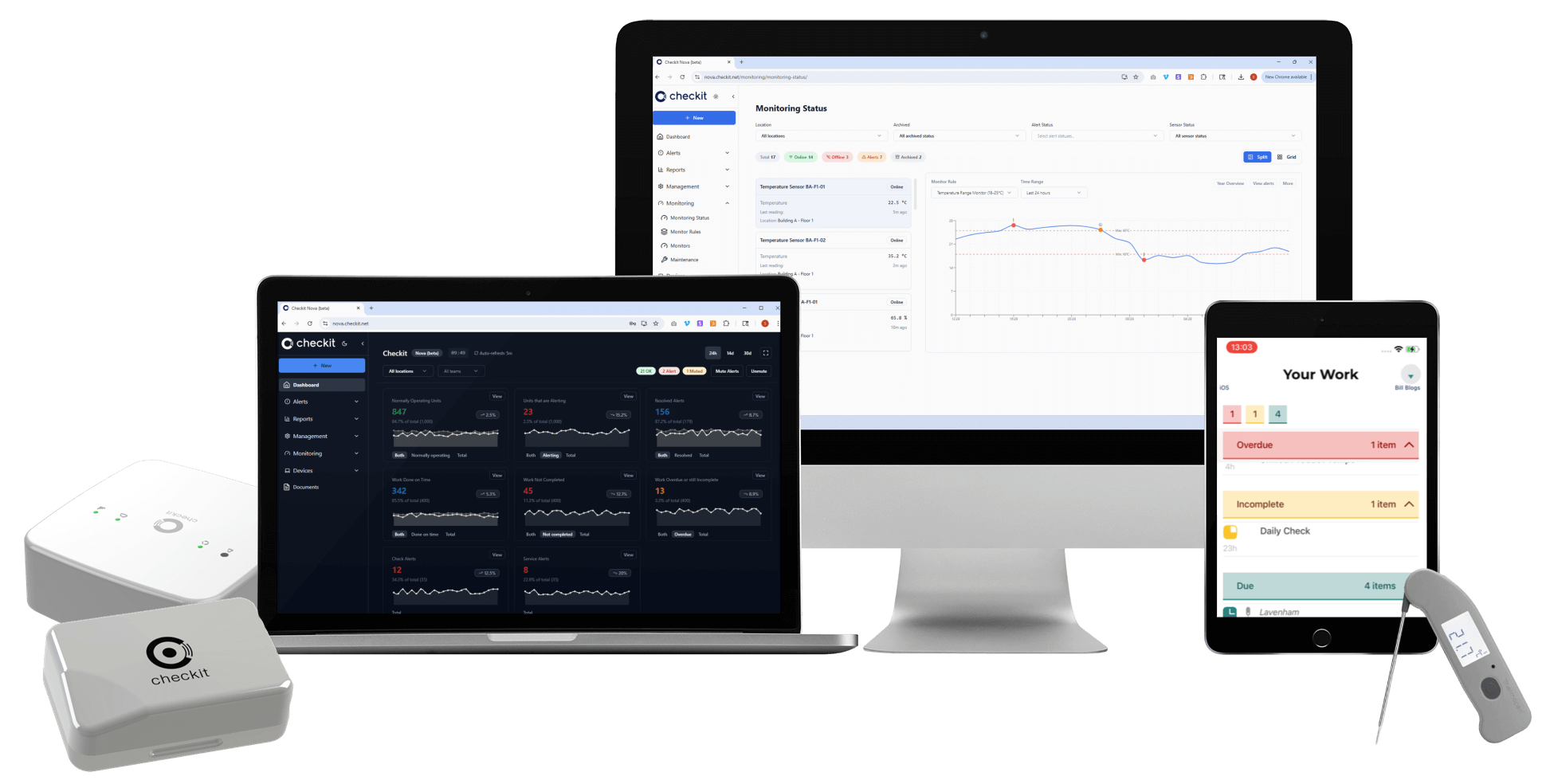
Event-Driven Actions connect Checkit's automated sensor monitoring to workflows on the Checkit App. Every sensor alert arrives with the checklist your team needs to resolve it, so the alert, the response, and the evidence live in one place.
Available to customers using Checkit sensors. In the Checkit App and Help Centre you may see it called Mobile Alerting.
From Alert to Resolved in Four Steps
Email and Control Centre notifications keep working as they do today. Event-Driven Actions add a guided response on the app.
A sensor detects a problem
A reading stays outside its set range for longer than allowed: a fridge door left open, a freezer losing temperature, a cold room drifting overnight.
The alert lands on the Checkit App
The team at that location is notified on the device they already carry. Unacknowledged alerts show red and sound a reminder every two minutes until someone responds.
A checklist guides the response
Tapping the alert opens the checklist you wrote for that situation. The first step acknowledges the alert, so everyone can see it is being handled.
Resolved, recorded, cleared
The final step clears the alert, and can require the sensor to be back in range first. Every action is time-stamped against the alert it resolved.
What Changes When Alerts Come With a Plan
Monitoring tells you something is wrong. Event-Driven Actions make sure it gets fixed, the same way every time, with the evidence to show for it.
Faster Response
Alerts go straight to the people standing next to the problem, not to a PC at the other end of the building or on another site.
The Right Response, Every Time
Your standard operating procedure is built into the checklist. New, temporary, or non-technical staff know exactly what to do.
Proof of Action, Not Just Proof of Alert
Each alert carries a time-stamped record of who responded, what they did, and when. Ready for auditors without anyone writing it up.
No Manual Write-Ups
The response is logged as the work is done. No end-of-day paperwork, no missing entries from busy or exhausted teams.
Stock Protected
Problems are corrected while there is still time to act, so temperature-critical food, medicines, and samples are moved or saved rather than written off.
No Quietly Closed Alerts
Checklists can require the sensor to be back in range before the alert clears, so an alert is only closed once the problem is actually fixed.
What Early Adopters Have Seen
Results reported by one early adopter of Event-Driven Actions across a group of sites storing cold-chain medical supplies.
the equivalent of a full-time role
protecting stock around the clock
stock moved before a failed fridge lost it
In one instance, a critical fridge failure was relayed straight to frontline staff with instructions, so stock was moved to adjacent units before any of it was lost.
Built for Everyone Between the Alert and the Audit
Anywhere temperature-critical stock is stored and an alert has to turn into action quickly.
Frontline Teams
Clear, step-by-step instructions on the app the moment something goes wrong. No hunting for a folder, no guesswork, no follow-up paperwork.
Site & Safety Managers
Build the checklists once and see which alerts are open, acknowledged, or resolved. Override the back-in-range requirement when a unit is out of service.
Quality & Compliance Leads
A complete record of every alert and the action taken against it: the evidence regulators increasingly expect, captured automatically.
Multi-Site Operations Leaders
One standard of response across every location, with visibility of what happened, where, and when.
Start at One Location. Expand When It's Proven.
Most customers switch on Event-Driven Actions at a single site first, then roll it out to their other locations once the checklists are working the way they want.
Start at One Location
Pick a single site. Write checklists for its sensor alerts, assign them to the team there, and let it run on real alerts.
Refine on Real Alerts
See how the team actually responds and tighten the checklist steps until the procedure works the way you want it to.
Expand Site by Site
Assign the proven checklists to further locations, so every site responds to the same alert in the same way.
Turn Every Sensor Alert Into Action
Book a walkthrough and see how Event-Driven Actions would work at your first location.
See It in Action